AI tools are changing how we approach home improvement. They're no longer just for tech giants; you can use them for everything from designing a new kitchen layout to optimizing your smart thermostat. These programs help you visualize projects, estimate costs, and even automate parts of the process, saving you time and money. It's truly impressive.
Quick answer: The best AI tool for your DIY smart home project depends on your specific need. For design, consider HomeByMe. If you're planning complex automation, Home Assistant with its AI integrations is a powerful choice. Budget-conscious users will find value in free tiers of tools like Planner 5D for basic visualization, often saving them around $50-$100 on initial planning fees.
Why Use AI for Your DIY Projects?
DIY projects can be complex, involving many decisions about design, materials, and execution. AI tools simplify this by offering intelligent assistance at every stage. You'll find they help prevent costly mistakes before you even pick up a hammer. For instance, homeowners using design software reduced material waste by an average of 15% on kitchen remodels. That's a significant saving, often hundreds of dollars on a larger project.
These tools can generate realistic 3D renderings of your future living room, letting you experiment with paint colors and furniture placement digitally. You can also get precise measurements and material lists, which reduces trips to the hardware store. It makes planning much easier. Some AI platforms even offer predictive maintenance alerts for smart home devices, extending their lifespan and preventing unexpected failures. This proactive approach saves you both time and money in the long run. We're talking about preventing a $300 plumbing repair by catching an issue early. For those interested in improving energy efficiency, tools can simulate various insulation options, showing potential savings before you commit. You might find our guide on a beginner's guide to home insulation helpful.
Top AI-Powered Tools for Smart Home Upgrades
Picking the right AI tool makes a big difference. Here's a look at some of the best options available for your smart home DIY projects, each with unique strengths.
| Tool Name | Best For | Typical Price Range | Key Features | |:----------|:---------|:--------------------|:-------------| | HomeByMe | 3D Home Design & Visualization | Free, then $14.99/month | Realistic renderings, furniture library, floor plans | | Planner 5D | Interior Design & Space Planning | Free, then $9.99/month | Drag-and-drop interface, 2D/3D views, material catalog | | Home Assistant | Advanced Smart Home Automation | Free (software), Hardware varies ($35-$150) | Open-source, integrates 2,000+ devices, AI scripting | | Lowe's Design Studio | Kitchen/Bath Remodel Planning | Free (online tool) | AI-powered layout suggestions, product integration | | Houzz Pro | Project Management & Design | $65-$199/month | Client management, mood boards, 3D floor plans | | SketchUp | Detailed 3D Modeling | Free (web), then $119-$299/year | Precision modeling, extensive extension library | | Amazon Alexa/Google Home | Voice Automation & Routine Setup | Free (app), Devices vary | Voice commands, routine creation, device control |
HomeByMe: Design Your Dream Space
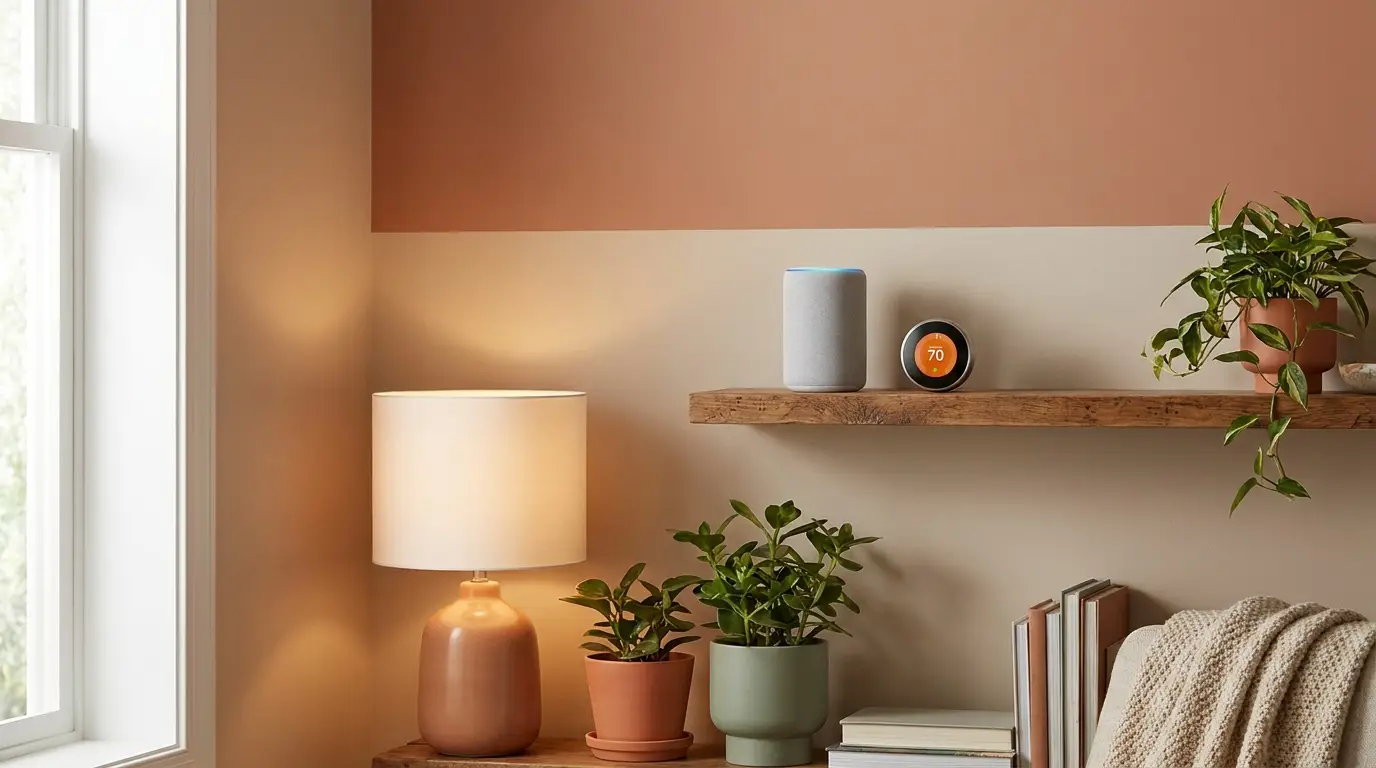
HomeByMe is a fantastic choice for visualizing your smart home before you even buy a single device. It's incredibly user-friendly. You can create detailed 2D floor plans and then instantly switch to stunning 3D views. This lets you place smart lights, security cameras, or even entire smart kitchen appliances virtually. The free version gives you three projects, which is enough for many smaller DIY tasks. Upgrading to a paid plan, starting around $14.99 per month, gives you unlimited projects and more high-resolution images. Many users appreciate its extensive library of real-world furniture and product models, including smart home brands like Philips Hue and Ring. You'll see exactly how that new smart thermostat will look on your wall.
Planner 5D: Intuitive Interior Design
Planner 5D excels at interior design and space planning, making it perfect for those wanting to reorganize a room for smart device placement. It's a drag-and-drop platform, so you don't need any prior design experience. The tool offers a huge catalog of items, including smart TVs, speakers, and lighting fixtures. You can experiment with different layouts and see how natural light affects your design at various times of day. While the free version has some limitations, the premium subscription at $9.99 per month unlocks everything, including HD renders. It's a solid tool for anyone wanting to optimize their smart home setup for aesthetics and functionality.
Home Assistant: The Automation Powerhouse
For the serious DIYer focused on smart home automation, Home Assistant is a must-try. It's open-source, meaning it's free to use and highly customizable. It integrates with over 2,000 different devices and services, from Zigbee sensors to Wi-Fi cameras. What makes it AI-powered is its ability to learn your routines and suggest automations. You can script complex scenarios, like having your lights dim to 30% brightness when your smart TV turns on after 8 PM. It does require a bit more technical know-how than other options. You'll typically run it on a small computer like a Raspberry Pi, which costs about $35-$150 depending on the model. This platform truly lets you take control of your smart home ecosystem. You might also be interested in basic electrical wiring as you expand your smart home.
Using AI for Smart Home Automation and Energy Savings
AI isn't just for design; it's transforming how smart homes operate daily. Smart thermostats, like the Ecobee3 Lite or Nest Learning Thermostat, use AI to learn your preferences and adjust temperatures automatically. They can noticeably cut heating and cooling costs. This translates to hundreds of dollars annually for many households. These devices monitor external weather, occupancy, and even local energy prices to optimize usage.
Beyond thermostats, AI helps manage lighting, security, and entertainment systems. You can set up routines where your smart lights adjust based on the time of day and natural light levels. For example, your living room lights could brighten to 70% at sunset, then dim to 20% around 10 PM. This reduces energy consumption and provides comfort. AI security cameras can differentiate between pets and intruders, minimizing false alarms. Systems like Ring or Arlo offer this feature, often included with their subscription plans, which typically start around $3-$10 per month. These smart integrations make your home more efficient and responsive.
How to Choose the Right AI Tool for Your Project
Selecting the best AI tool depends on your specific DIY needs and skill level. Don't just pick the most expensive option. First, consider the project scope. Are you just planning a small room refresh, or are you designing an entire smart home ecosystem? For simple visualization, a tool like Planner 5D will suffice. For complex automation, Home Assistant is a better fit.
Next, evaluate ease of use. If you're new to design software, look for intuitive drag-and-drop interfaces. If you've some technical background, you might appreciate the advanced customization of open-source platforms. Also, check for compatibility with your existing smart home devices. Does the tool integrate with your Philips Hue lights, Ring doorbell, or Nest thermostat? Most major tools list their supported integrations. Finally, consider the cost. Many tools offer free tiers or trials, letting you test them before committing to a subscription. A $10 monthly subscription could save you hours of manual planning, making it a smart investment. Always check reviews from other DIYers; they often point out hidden quirks or benefits.
FAQ
What's the best free AI tool for basic home design?
For basic home design, you'll find tools like Planner 5D and RoomSketcher offer free tiers with good functionality. They let you lay out rooms, place furniture, and visualize changes without spending a dollar. Planner 5D is often cited for its user-friendly interface.
Can AI truly help with complex electrical wiring diagrams?
While AI can assist with design and component selection, it's not a substitute for a licensed electrician when dealing with complex electrical wiring. Tools like AutoCAD Electrical can auto-generate schematics, but you'll still need professional review for safety and compliance with local codes. Always consult an expert for high-voltage work.
How much can AI tools save me on a typical smart home upgrade?
AI tools can save you a surprising amount on smart home upgrades, potentially 10-25% of your total project cost. For example, by optimizing material lists and avoiding design errors, you could save $100-$300 on a smart lighting installation. Predictive maintenance features can prevent costly repairs, saving $200-$500 on device replacements.